
Accessing the Dashboard
- Go to paygate.getaether.xyz
- Connect your Solana wallet (Phantom, Solflare, etc.)
- Sign the authentication message
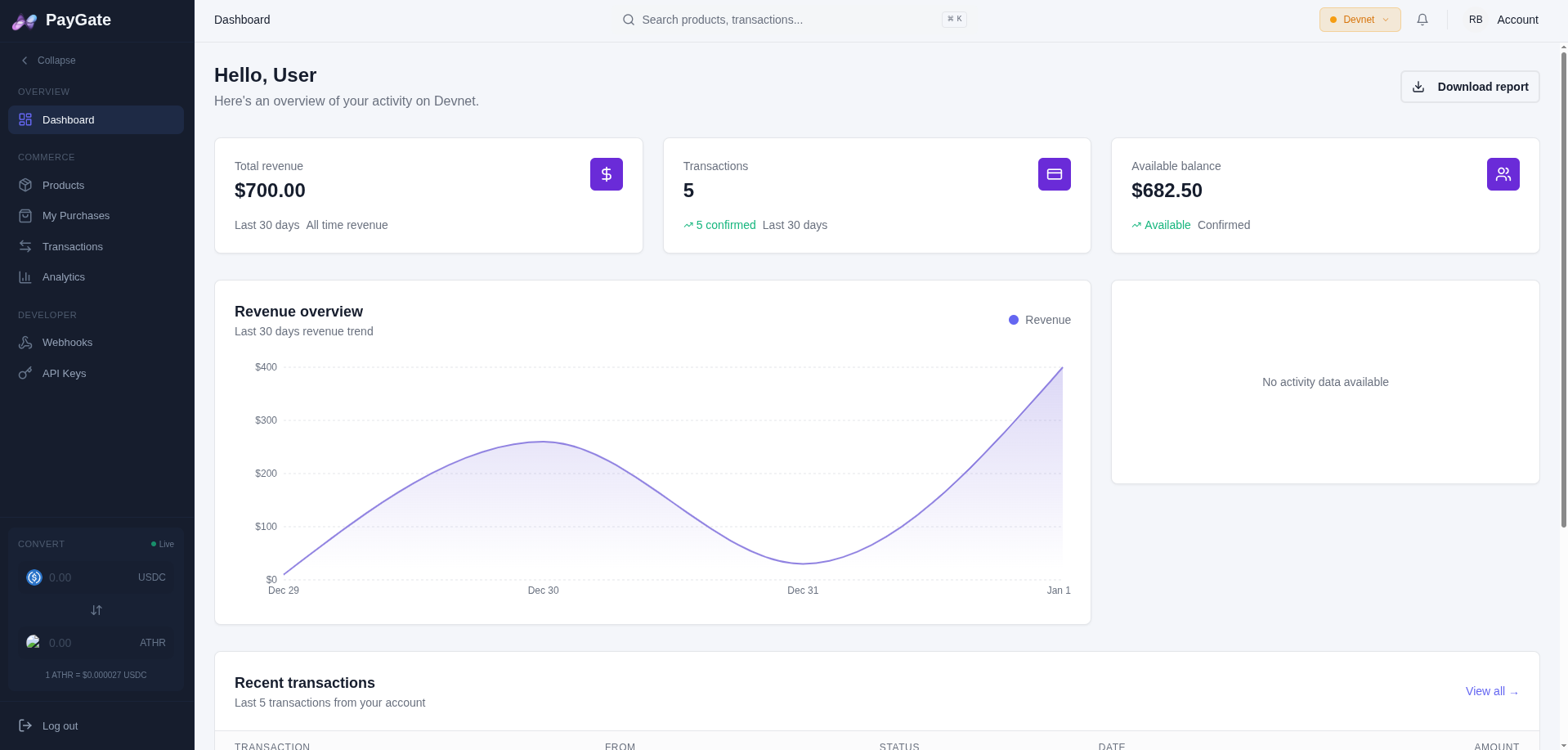
Overview
The PayGate dashboard allows you to:| Section | Description |
|---|---|
| Products | Create and manage your products |
| My Purchases | View your purchase history |
| Analytics | View your revenue and insights |
| Transactions | View all payment transactions |
| Webhooks | Configure notifications |
| API | Manage your API keys |
Navigation
Main Menu
- Dashboard - Overview with statistics
- Products - List of your products
- My Purchases - Your purchase history
- Analytics - Revenue charts and insights
- Transactions - Payment history
- Webhooks - Configure notifications
- API - Manage API keys
Quick Actions
- Create Product - Create a new product
- View Analytics - See detailed statistics
- Network Switch - Switch between Devnet and Mainnet
Statistics
The dashboard displays:- Total Revenue - Total earnings in USDC
- Total Transactions - Number of payments received
- Products - Number of active products
- Recent Activity - Latest transactions